---
title: "Web Analytics — Cookie-Free Traffic & Page Analytics | Kitbase"
description: "Track pageviews, sessions, referrers, UTM parameters and devices with one script tag. Cookie-free, bot-filtered, real-time web analytics from Kitbase."
canonical: https://kitbase.dev/web-analytics
---
Web Analytics
# Traffic analytics that just work
Drop in a single script tag and Kitbase starts recording pageviews, sessions, referrers, UTM parameters and device info automatically. No cookies, no consent banner, no event taxonomy to design first.
[Start free](https://app.kitbase.dev/signup) [See the install guide](https://docs.kitbase.dev/tracking-script)
No credit card required · Set up in under five minutes
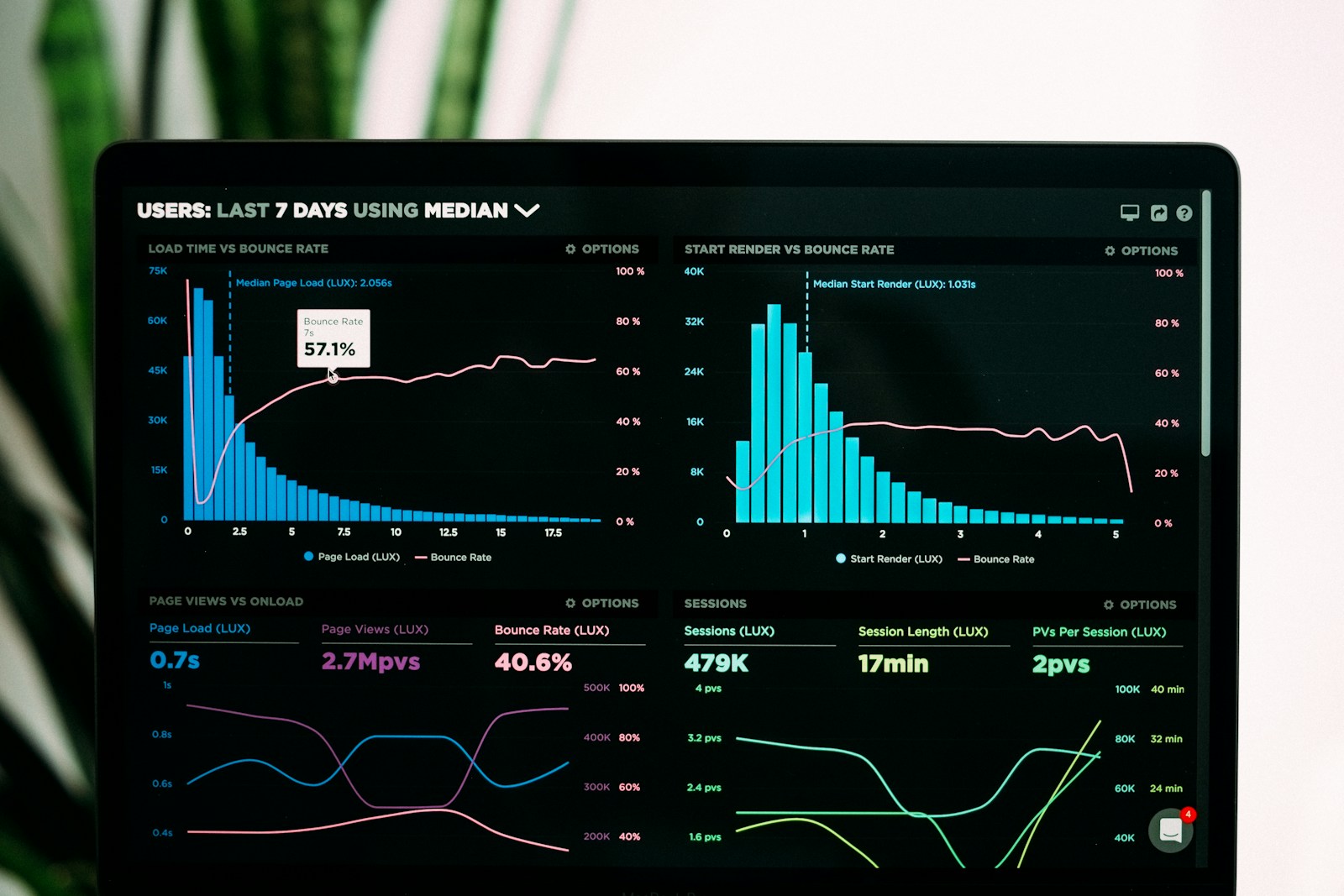
Real-time
Events land as they happen
What you get
## Everything measured, nothing configured
One tag covers the whole surface — and every field it collects is queryable the moment it arrives.
### Autocapture from one tag
Pageviews, sessions, clicks, scroll depth and outbound links are captured the moment the script loads. There's no event plan to write before you see data.
~3 KB
Gzipped tracking script
< 5 min
From script tag to first event
index.html
```
```
### Cookie-free by default
No cookies are set for analytics, so there's no consent banner to bolt on before you can measure your own traffic.
### Bots filtered out
Headless browsers, testing tools and known crawlers are discarded before they're ever sent.
### Real-time
Events land as they happen — watch a launch move the numbers while it's still running.

### Every field is a filter
Device, browser, OS, geolocation and UTM parameters are all first-class dimensions — any breakdown you can see is a breakdown you can slice by.
How it works
## Capture, filter, enrich, explore
Four stages between a visitor's click and a number you can trust.
1. 1
### Capture
The script or SDK records pageviews, sessions, clicks, scroll depth and outbound links in the browser.
2. 2
### Filter
Obvious non-human traffic never leaves the page, and the server-side pipeline excludes anything flagged as a bot.
3. 3
### Enrich
The backend parses the User-Agent, derives geolocation from the IP, then drops the IP unless logging is enabled.
4. 4
### Explore
Metrics, breakdowns and filters in the Analytics dashboard; raw payloads in the Events view.
Install your way
## A script tag, or a typed SDK
Both run the same engine. The tracking script is the npm SDK pre-bundled and served from kitbase.dev/lite.js — reach for it when you don't have a build step. Use the npm package when you want typed APIs, tree-shaking and framework integration.
- Tracking script — any website, one tag, no build step
- JavaScript / TypeScript — the full typed API from npm
- React and Angular — providers, hooks and services
- Proxy the script from your own domain to survive ad blockers
[Browse the SDKs](https://docs.kitbase.dev/sdks/)
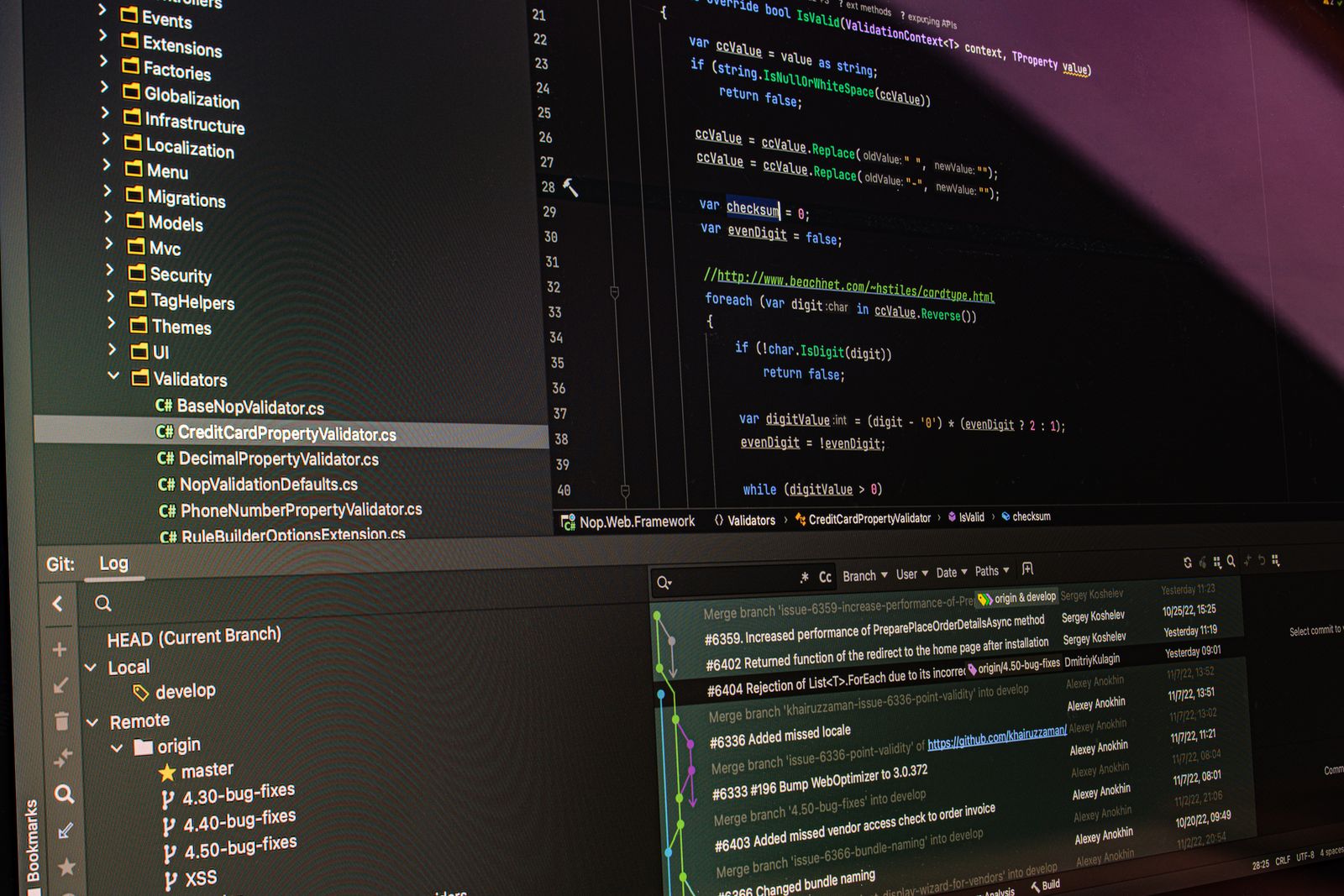
## Install it in five minutes
Create a project, paste one script tag, and watch pageviews and sessions arrive in real time.
[Start 7-day free trial](https://app.kitbase.dev/signup) [Read the docs](https://docs.kitbase.dev/web-analytics)
No credit card required